
When you have many cameras spread across multiple offices, the problem is usually not the cameras and not the VMS. The problem is that the network suddenly decides to show some personality. As long as each office lives in its own subnet and reaches the internet through its own provider, a unified surveillance system exists mostly in PowerPoint. In real life, you get isolated islands, and the administrator sails between them on the wreckage of port forwarding.
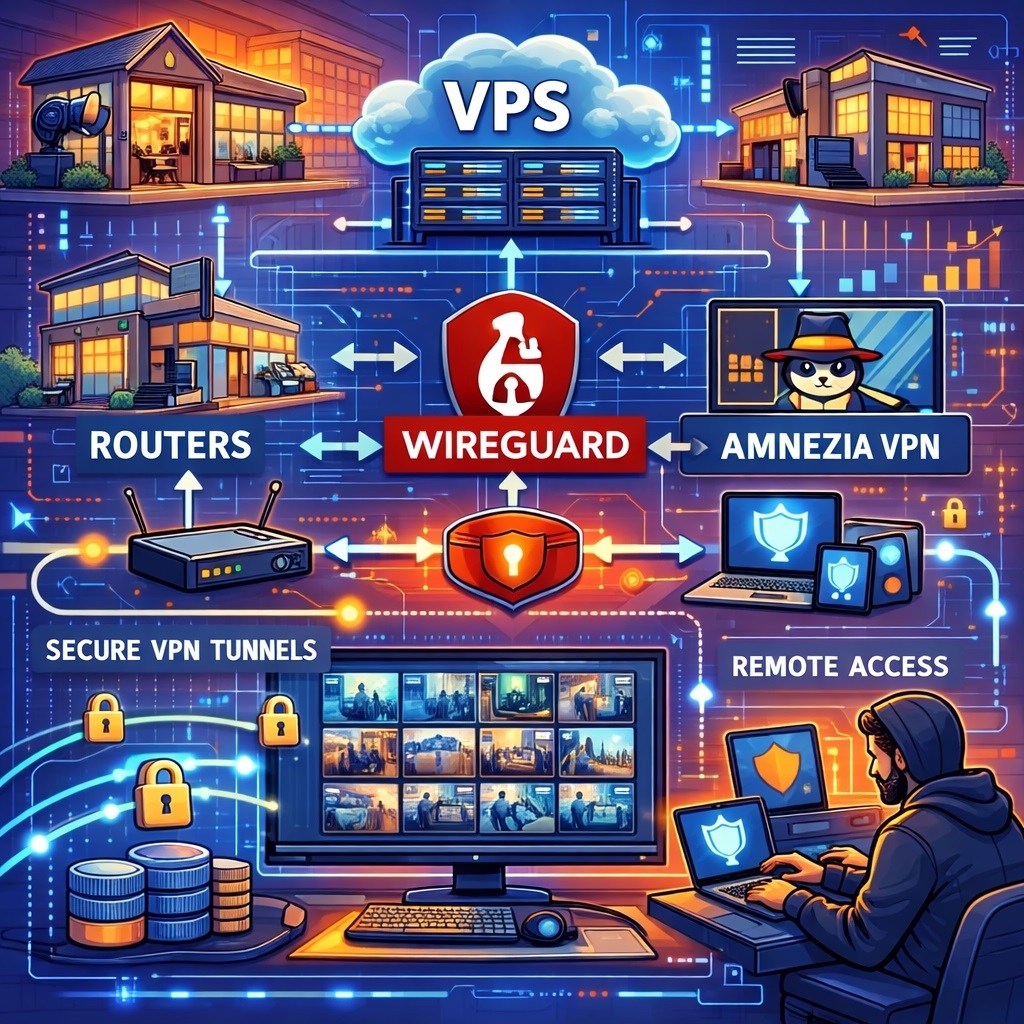
A working design for distributed video surveillance looks like this: each office has a router, a site-to-site VPN connects the offices, and a central node on a VPS or in the head office knows the routes to every remote subnet. As a result, the VMS sees cameras by their internal IP addresses, as if they were not in another city but just at the far end of a very long hallway.
What exactly needs to be built
You need four basic components:
- Local office networks with unique subnets.
- Routers that support WireGuard, static routing, firewall rules, and ideally remote management.
- A central VPS with a public IP acting as the VPN hub.
- A VMS server that can reach all remote subnets.
A typical addressing plan looks like this:
- head office: 192.168.10.0/24
- branch 1: 192.168.20.0/24
- branch 2: 192.168.30.0/24
- VPN network: 10.200.0.0/24
Each branch gets its own LAN, and the VPN gets a separate range. This matters. When two offices both use 192.168.1.0/24, you are no longer building a unified network. You are running a guessing game called “which camera did I just connect to?”
Why a VPS is needed
In this design, the VPS is not there to proudly store the entire video archive of humanity. Its job is simpler and more useful: to act as a central VPN endpoint with a public IP.
That solves several problems at once:
- branches behind NAT can initiate outbound connections
- you do not need a public IP in every office
- a new branch connects to one point, not to every other office
- routing becomes predictable
That is why a hub-and-spoke design is usually more practical than full mesh. Full mesh sounds elegant when you have two offices. By office number four, it starts looking like a support group for manually maintained routing tables.
Why WireGuard fits this job so well
For inter-office networking, WireGuard works well for three reasons: it is fast, simple, and does not try to turn VPN configuration into a three-act opera. Its logic is straightforward:
- create an interface
- assign keys
- define peers
- specify which networks sit behind each peer
For example, if a branch router has 192.168.20.0/24 behind it, that is exactly the network you advertise through that peer. The central node understands where to send traffic, and the VMS gets access to cameras by their internal IPs.
The key principle here is this: between offices, you want routing, not NAT.
For video surveillance, that is critical. Once you start hiding all branches behind a single translated address, then:
- logs become less useful
- troubleshooting gets harder
- ACLs become less precise
- the VMS loses visibility into what is what
In plain terms, NAT inside an inter-office camera network is like duct tape in a server room. Sometimes it helps. Usually it raises questions.
Basic topology
A normal setup looks like this:
- each branch establishes a WireGuard tunnel to the VPS
- the VPS knows all remote office subnets
- the head office or VMS server has routes to all branches
- cameras and local servers are reachable by internal IP addresses
If direct branch-to-branch access is needed, you add routes for that as well. If it is not needed, it is better to allow access only to the head office and the VMS. That is cleaner from a security standpoint.
How to build the routing logic
On the central node, each branch should be defined by:
- its tunnel IP
- its LAN subnet
For example:
- branch 1: 10.200.0.3/32, LAN 192.168.20.0/24
- branch 2: 10.200.0.4/32, LAN 192.168.30.0/24
On the branch router, AllowedIPs usually includes:
- the central VPN node address
- the VMS subnet
- other branch networks if needed
One important rule: do not turn AllowedIPs into a bag of “let’s throw everything in and see what happens.” In a site-to-site VPN, it acts as both a routing list and a traffic policy. A mistake there gives you either a black hole or a sudden and passionate desire for all traffic to disappear into the tunnel.
Where to place the VMS
There are two working options.
Option 1. Centralized VMS
The VMS runs in the head office or a data center and connects directly to cameras in every branch by their internal IPs. This is the simplest and most straightforward design if inter-office links are good and the number of cameras is moderate.
Option 2. Distributed recording
Each site records locally, while the central VMS gets access to events, live view, substreams, and archive playback on demand. For larger systems, this is usually the better option. There is little value in dragging every primary stream through the VPN 24/7 just so nobody looks at it.
For video surveillance, one simple rule works most of the time:
record close to the cameras, manage from the center.
What traffic should actually go through the VPN
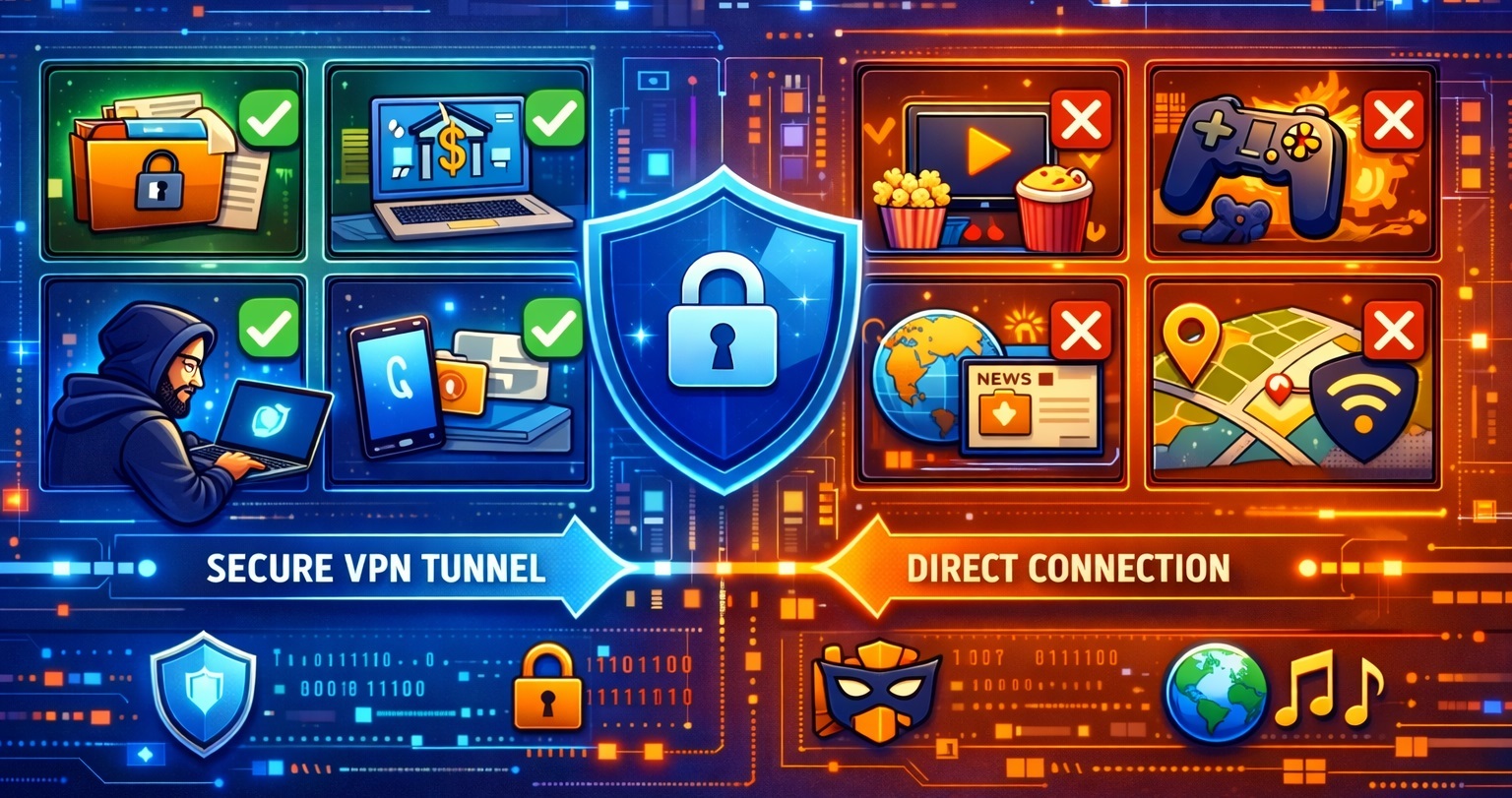
Through the inter-office tunnel, it usually makes sense to carry:
- VMS access to cameras
- events and alarms
- substreams for constant monitoring
- archive access on demand
- management traffic
It is usually a bad idea to blindly carry:
- all primary video streams from all cameras 24/7
- firmware updates for cameras and other devices without limits
- broadcast noise
- every VLAN “just in case”
Otherwise, the link quickly turns into a monument to enthusiasm without capacity planning.
When Amnezia is needed, and when it is not
If WireGuard works reliably, you do not need extra layers. That is the default, fast, and clean option.
Amnezia makes sense if:
- the provider degrades or blocks UDP
- DPI is involved
- the WireGuard handshake is unstable
- some branches operate in a more hostile network environment
So Amnezia is not a mandatory ingredient of the architecture. It is a specialized tool for difficult segments. A network engineer who solves every unclear situation by stacking one more abstraction layer on top usually ends up chasing that same layer through logs later.
A practical approach is simple:
- first build a normal WireGuard site-to-site design
- verify routing, MTU, firewall, DNS, and reachability
- only if there is a real traffic or handshake problem, add Amnezia
What kind of routers fit this design
Without naming specific models, a router for inter-office video surveillance should support the following:
- system-level WireGuard
- static routing
- policy routing if required
- VLANs
- a proper firewall
- remote management
- configuration export and backup
- enough CPU and RAM for VPN and filtering
If Amnezia is planned, you need to look beyond just WireGuard support and evaluate the platform itself:
- some routers support Amnezia directly or through native packages
- some only support it through containers or proxy-based designs
- some are suitable only for regular WireGuard
So the right router should be selected not because the box says “supports VPN,” but based on three practical questions:
- how many tunnels does it really need to keep up
- how many routes and firewall rules will live in the configuration
- do you need Amnezia directly on the router, or is regular WireGuard enough
A small branch and the central office usually do not belong to the same hardware class. The central node needs noticeably more CPU, memory, and interfaces. Saving money on the core router in a multi-office network is like putting a weak power supply in a server. It works for a while, and then life becomes philosophical.
What must be planned in every office
Before rollout, it is worth locking in a few rules.
Unique subnets
Every office must use a different LAN range. Without that, inter-office routing becomes a circus.
Static IP addresses for cameras
Cameras should have predictable addresses. Do not expect DHCP and destiny to manage the system for you.
A separate VLAN or subnet for cameras
This makes firewall rules, access control, and troubleshooting much easier.
Camera access only from the VMS and admin hosts
Operators should go into the VMS, not directly into camera web interfaces. Otherwise the system quickly becomes a zoo of interfaces.
Minimal broadcast traffic across the VPN
Multicast discovery and similar joys are better kept inside each local site.
Tunnel monitoring
You need ping, handshake logs, latency, packet loss, and route state monitoring. Otherwise every incident will be diagnosed using the ancient method known as “well, it seemed fine yesterday.”
Typical mistakes
The most common mistakes in these projects are impressively consistent:
- identical subnets in different offices
- NAT between branches instead of routing
- trying to record the full archive through the VPN into the center
- exposing cameras directly to the internet “temporarily”
- no separate segment for cameras
- a central router that is too weak
- no real monitoring of tunnels
- trying to fix a bad design by adding one more VPN
That last one is especially popular. When the architecture is weak, the temptation is always there to throw another tunnel on top and hope nobody notices. Usually, somebody does.
The correct design for distributed video surveillance looks like this: routers in the offices, a central VPS acting as the VPN hub, site-to-site WireGuard between locations, routing between subnets, and a unified VMS that sees every camera by its internal IP address.
WireGuard is the base and the most rational choice for this task. Amnezia is not always necessary, but it becomes useful when a normal tunnel runs into real-world network restrictions. Routers for this design should be chosen not by marketing slogans, but by their ability to handle VPN, routing, firewall rules, and remote management without drama.
If the network is built correctly, a camera in another office looks like a normal local device to the VMS. If the network is built badly, even a camera behind the next wall somehow turns into a remote object with a tragic backstory.