

What People Most Often Write in Dahua Tech Support Chats
This article did not appear out of thin air, nor out of a desire to criticize the brand. We analyzed a large volume of messages from Dahua technical support chats. Hundreds of conversations, dozens of recurring questions, kilometers of screenshots with errors, notifications, gray dots instead of green ones, and the familiar phrase “Online, but not working.”
These users were beginners who bought their first camera and tried to understand what was happening, installers for whom everything “worked yesterday,” engineers who know ONVIF better than the multiplication table, and owners of country houses for whom video surveillance is not a hobby but a sense of safety.
Most importantly, the problems were the same for everyone. Models changed. Firmware changed. Regions, operators, phones, and app versions changed.
These users were beginners who bought their first camera and tried to understand what was happening, installers for whom everything “worked yesterday,” engineers who know ONVIF better than the multiplication table, and owners of country houses for whom video surveillance is not a hobby but a sense of safety.
Most importantly, the problems were the same for everyone. Models changed. Firmware changed. Regions, operators, phones, and app versions changed.
The people were different. The problems were not.
We saw:
- first time buyers trying to understand why a camera that is “online” behaves like it is on vacation;
- installers for whom everything worked yesterday, right before it stopped forever;
- engineers who know ONVIF better than their own phone number;
- homeowners who do not treat video surveillance as a hobby, but as peace of mind.
Models changed. Firmware changed. Regions, ISPs, phones, app versions changed.
The questions did not.
Why is the camera online but the archive will not open.
Why does the app say “network error” when Netflix works just fine.
Why does it work on one iPhone but not on another identical one.
Why does the recorder “not support analytics” when the datasheet says it does.
Why is a camera without a web interface considered normal in 2026.
This is not a set of edge cases. This is a pattern. And patterns are never accidental.
DMSS: The App That Does Whatever It Wants
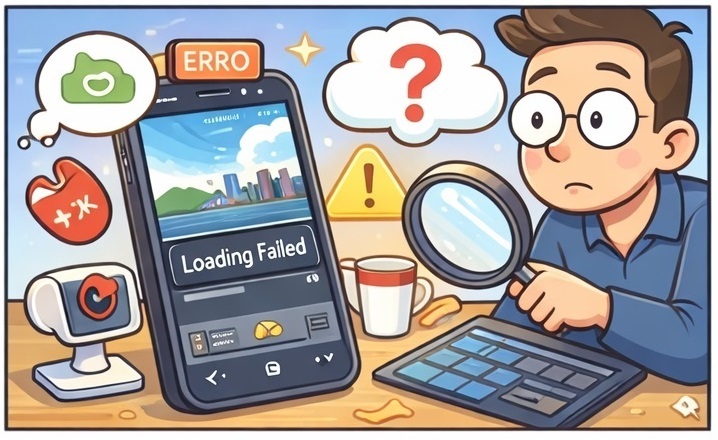
If DMSS were a person, it would have a complicated past, trust issues, and a habit of vanishing mid conversation.
In technical support chats, DMSS is the undisputed champion. Not because it is bad software in the classic sense, but because it behaves differently everywhere, all the time.
Observed behavior includes:
- different logic on different app versions;
- Android and iOS acting like two competing religions;
- updates that fix one thing and quietly break three others;
- HD streams refusing to open while SD works happily;
- live view works, archive does not;
- events exist, push notifications do not;
- push notifications exist, but only if you enable a mysterious background service that nobody can clearly explain.
One especially popular scenario repeats over and over.
The camera streams live video perfectly. Everything looks fine.
Except:
- PTZ does not respond;
- the archive refuses to open;
- events are missing.
The user eventually asks a reasonable question: “Is it possible that some features are blocked or restricted?”
The honest answer is yes. And that is the real problem.
Because from the user’s perspective, there is no way to tell whether this is:
- an app bug;
- a backend limitation;
- a firmware quirk;
- a network issue;
- or simply “working as designed.”
At that point, DMSS stops being a monitoring app and becomes a guessing game with bonus frustration levels.
Desktop Software: A Time Capsule from the Early 2010s
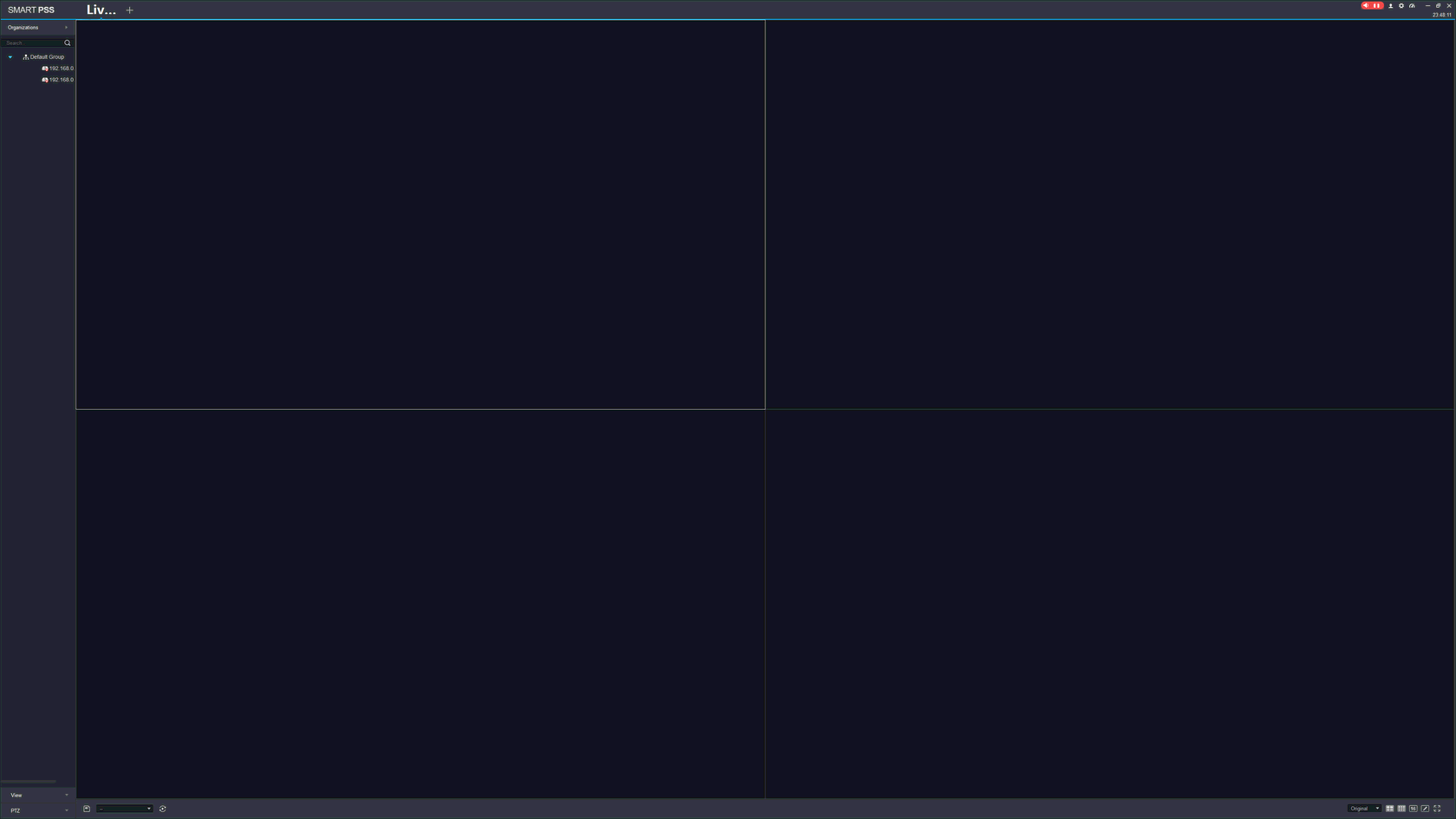
Now we reach the most painful part.
Dahua desktop software.
SmartPSS and SmartPSS Lite feel like carefully preserved artifacts from a time when:
- Full HD was considered impressive;
- 4K sounded unnecessary;
- DPI scaling was ignored because “nobody needs that.”
Fast forward to today:
- fonts are microscopic on 4K monitors;
- interface scaling is inconsistent at best;
- buttons are roughly the size of sesame seeds;
- gray on gray color schemes dominate everything;
- windows are overloaded with controls but lack visual hierarchy.
An engineer with excellent eyesight can survive this.

An installer on a high resolution laptop might cope.
A normal office user on a 27 inch 4K monitor?
That becomes a stress test, not software.
The irony is hard to miss:
- the camera records in 4K;
- the recorder runs AI analytics;
- the system counts people and vehicles;
- but the operator cannot read the menu without leaning toward the screen.
This is not cosmetic criticism. This is lost time, lost comfort, and lost trust.
Cameras Without a Web Interface: “Users Asked for This”
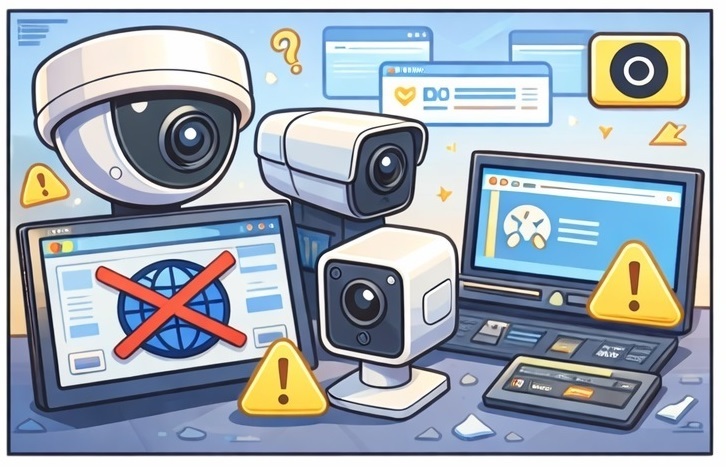
One of the most critical issues raised in chats is the absence of a web interface on some cameras.
Quick Guide to Connecting Dahua Cameras via RTSP
Camera Feature Checklist Table
Quick Guide to Connecting Dahua Cameras via RTSP
Camera Feature Checklist Table
The lack of a web interface means the camera can be connected and configured only through the internet. First, the QR code on the camera must be scanned. The device is then registered on the manufacturer’s cloud server, usually outside the country. Only after that does the camera appear in the DMSS mobile app, where the RTSP password can finally be set.
This means that if there is no internet connection, if the cloud service is blocked in the country, or if the manufacturer leaves the market, connecting the camera via RTSP may become difficult or even impossible. In the classic approach, the RTSP password is set directly on the camera through a web interface, without any external services.
It is also important to understand that in the current cloud based model, the RTSP password is transmitted through the manufacturer’s infrastructure, across borders, and is very likely stored in the manufacturer’s database.
The official explanation sounds almost anecdotal: “Users asked for it themselves.”
In practice, this leads to predictable consequences:
Add another surprise. On some Wi Fi cameras, ONVIF discovery is disabled once the wired connection is removed and only Wi Fi remains.
Yes, the camera exists. Yes, it is connected. But for ONVIF, it no longer exists.
For an engineer, this looks like a bug, incompatibility, or strange behavior. In reality, it is an implementation detail that no one warns about.
As a result, users lose control, engineers lose transparency, and the system loses predictability.
This means that if there is no internet connection, if the cloud service is blocked in the country, or if the manufacturer leaves the market, connecting the camera via RTSP may become difficult or even impossible. In the classic approach, the RTSP password is set directly on the camera through a web interface, without any external services.
It is also important to understand that in the current cloud based model, the RTSP password is transmitted through the manufacturer’s infrastructure, across borders, and is very likely stored in the manufacturer’s database.
The official explanation sounds almost anecdotal: “Users asked for it themselves.”
In practice, this leads to predictable consequences:
- direct access to the camera is impossible;
- diagnostics become much more complicated;
- configuration is possible only through a mobile app;
- engineers lose a universal tool.
Add another surprise. On some Wi Fi cameras, ONVIF discovery is disabled once the wired connection is removed and only Wi Fi remains.
Yes, the camera exists. Yes, it is connected. But for ONVIF, it no longer exists.
For an engineer, this looks like a bug, incompatibility, or strange behavior. In reality, it is an implementation detail that no one warns about.
As a result, users lose control, engineers lose transparency, and the system loses predictability.
Analytics and AI: The Black Box Experience
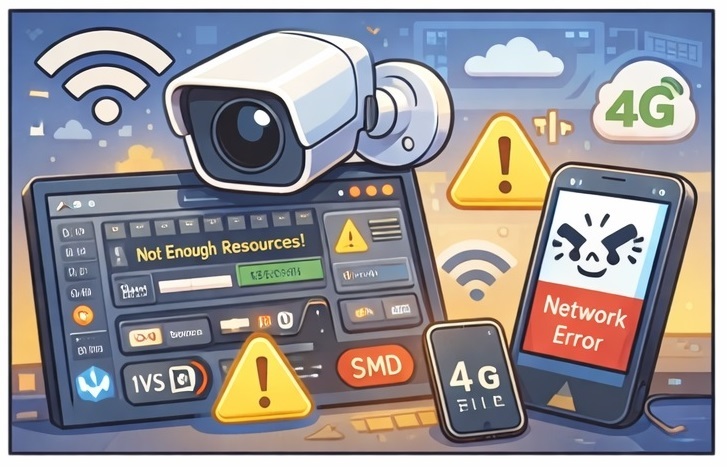
AI analytics deserves its own chapter. Usually a tragic one.
Support chats repeat the same storyline:
- a user enables IVS or SMD;
- the system reports insufficient resources;
- the datasheet offers no clarity;
- disabling one feature enables another;
- switching to 4K quietly disables analytics.
Eventually, fragments of truth emerge:
- 4K output consumes AI resources;
- one IVS rule may equal multiple SMD rules;
- hard limits exist, but they are not visible.
What the user cannot see:
- AI load;
- current processing limits;
- which exact feature blocks another.
What the user sees is a single message: unavailable.
This leads to ritualistic troubleshooting:
- enable and disable;
- reboot;
- lower resolution;
- update firmware;
- replace hardware.
This is not how a modern surveillance system should behave in 2026.
Networking in the US: When Everything Should Work, But Still Doesn’t
Unlike some regions, the US market rarely suffers from aggressive mobile carrier blocking. Cellular networks are usually transparent, fast, and boring, which is exactly what users expect.
And yet, problems persist.
In US based support cases, the pattern looks different:
- works on local LAN, fails remotely;
- works in browser, fails in the app;
- works on one network, fails on another;
- works at home, fails from a hotel or corporate Wi Fi.
The usual suspects are not carriers, but infrastructure:
- double NAT setups;
- ISP grade NAT without proper port forwarding;
- routers with “smart security” features that block unknown traffic;
- firewalls silently dropping non standard ports;
- IPv6 behaving differently than expected.
The key issue is not the network itself. It is the lack of explanation.
DMSS does not say:
- ports are blocked by your router;
- NAT traversal failed;
- archive access requires additional connectivity;
- this feature depends on a different backend path.
Instead, it displays the most useless message imaginable: network error.
So the blame cycle begins:
- users blame the app;
- vendors blame the network;
- ISPs blame the router;
- routers blame nobody.
And the camera remains online, visible, and functionally useless.
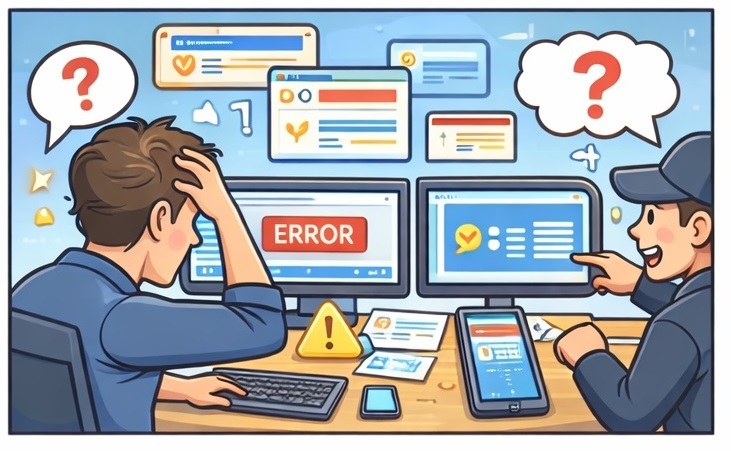
The Real Conclusion: Hardware Is Not the Problem
If you strip away emotions and sarcasm, one simple conclusion remains. Dahua is not losing because of hardware.
It is losing because of interfaces, transparency, and user experience. The hardware is powerful. The feature set is large. The potential is enormous.
But interfaces are outdated, system logic is not explained, limitations are hidden, errors are not decoded, and users are too often left alone with their problems.
Until desktop software becomes usable on 4K displays, the web interface returns as a standard, analytics become transparent, and applications behave predictably, support chats will look exactly the same.
The same questions. The same screenshots. And the same ending: “Yesterday it worked, today it doesn’t.”
That is probably the most honest summary of this entire discussion.
Quick Guide to Connecting Dahua Cameras via RTSP
Camera Feature Checklist
It is losing because of interfaces, transparency, and user experience. The hardware is powerful. The feature set is large. The potential is enormous.
But interfaces are outdated, system logic is not explained, limitations are hidden, errors are not decoded, and users are too often left alone with their problems.
Until desktop software becomes usable on 4K displays, the web interface returns as a standard, analytics become transparent, and applications behave predictably, support chats will look exactly the same.
The same questions. The same screenshots. And the same ending: “Yesterday it worked, today it doesn’t.”
That is probably the most honest summary of this entire discussion.
Quick Guide to Connecting Dahua Cameras via RTSP
Camera Feature Checklist