Buying a TV for security cameras in 2026 sounds simple right up until it isn’t. Most people still shop the old way: pick a familiar brand, choose a size, admire the panel, press buy, and assume the software part will somehow sort itself out. Then the TV gets mounted, the Wi-Fi is connected, the coffee is poured, and the ugly truth walks in wearing loafers. The app you wanted either does not exist, does not install, or lives in a sealed-off ecosystem where Android is treated like an uninvited cousin at Thanksgiving.
That is the core mistake. For camera viewing, the most important thing is no longer the brand. It is the operating system first, the hardware second, and the badge on the bezel somewhere after that. One company can sell excellent TVs on Google TV, closed TVs on a proprietary platform, and confusing TVs that look similar enough to trick a normal person into a bad decision. The logo tells you who made the box. The OS tells you whether the box will cooperate.
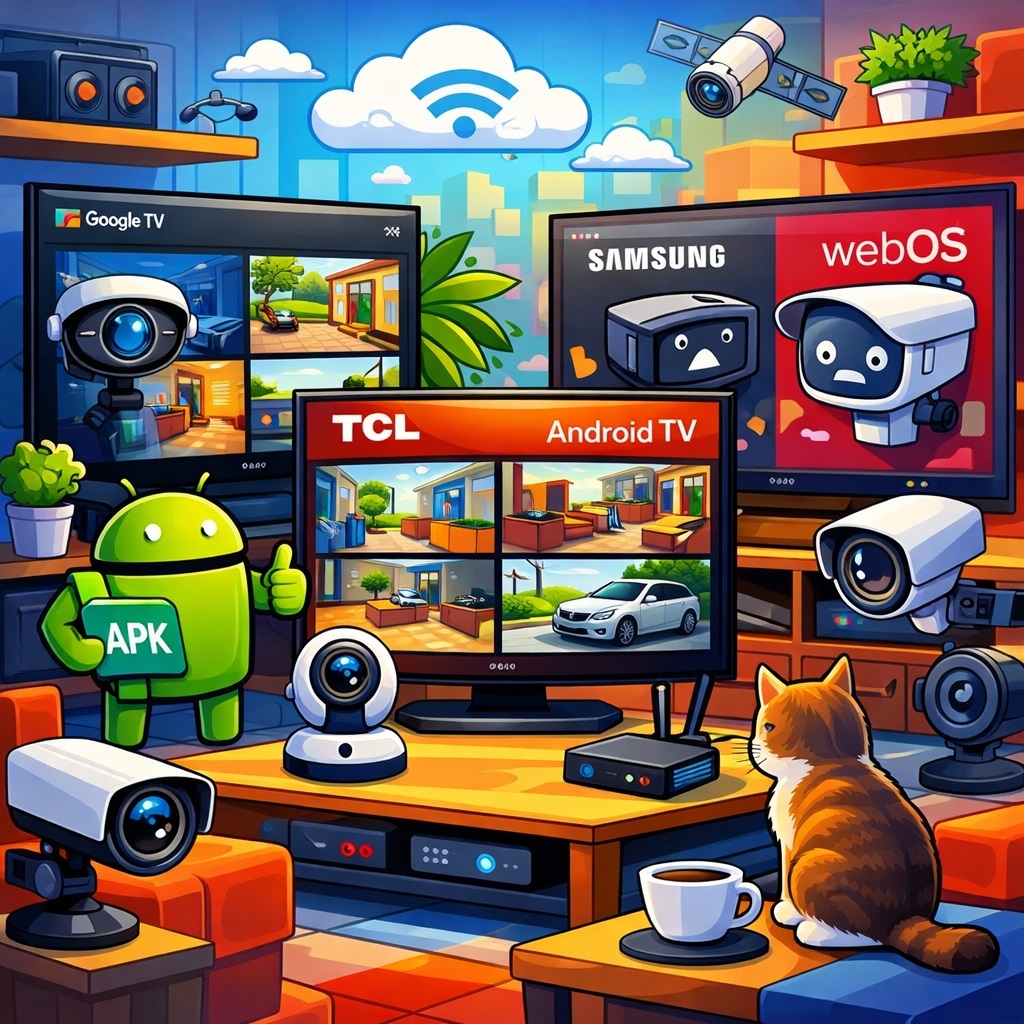
If you want the shortest honest answer, here it is: in the U.S., the cleanest and most reliable way to run Android apps for security-camera viewing directly on a TV is still Google TV or Android TV. That is the platform family built around the TV version of Google Play and the most predictable app-install path. And that matters because the U.S. market is fragmented. Roku remains huge, Samsung Tizen is massive, Fire TV has serious scale, and many televisions sold in America still do not run Google’s TV platform at all.
The real rule now is simple: buy the OS, not the brand story
Google TV and Android TV sit in the same family. Google TV is the fresher front end, Android TV is the foundation, and together they form the one major TV ecosystem in the U.S. where Android app compatibility makes sense as a normal consumer expectation rather than a weekend project.
That does not mean every phone APK magically becomes a perfect TV experience. A television is not a giant smartphone with better posture. But if the TV runs Google TV or Android TV, at least you are in the correct software universe. There is a store, a search path, and a real chance the app category you need was built for it.
And yes, APK installation is technically possible in that world. That is one reason Google TV and Android TV remain the most flexible option for surveillance use. But flexibility is not the same as elegance. Side-loading can solve a compatibility problem and create a user-interface problem five minutes later. The app may install, yet still behave like it expected fingers and got a remote control instead. Technology has a dry sense of humor like that.
The U.S. market is a software patchwork wearing a hardware costume
One of the oddest things about the American TV market is how often people think they are buying a brand when they are really buying a platform. Hisense is the clearest example. In the U.S., one Hisense model may run Google TV, another Fire TV, another Roku TV, another VIDAA. Same brand, entirely different software realities. One model may be a good home for Android camera apps. Another may be a charming dead end with a nice remote.
That is why OS share matters more than people expect. Roku still leads a big chunk of the U.S. TV OS market by unit share, Samsung Tizen remains huge, Fire TV is substantial, and Google TV has to compete in a field where many televisions are designed first for mainstream streaming ecosystems, not for flexible Android software support. So when buyers ask why Android camera apps are tricky on American TVs, the answer is not mysterious. The market is full of televisions that were never built to make Android feel at home.
What each major TV platform really means for camera apps
Google TV and Android TV
This is the best fit, full stop. You get the TV version of Google Play, a standard install flow, and the highest odds that a TV-ready Android app will work with minimal drama.
In practical terms, that is the difference between using a platform and negotiating with an appliance. If you want the easiest path to Android-based camera viewing, this is still the least painful road.
Fire TV
Fire TV is the gray area. It is Android-derived, which makes it more flexible than Tizen or webOS. In technical hands, APK installation is possible. But it is still not Google TV, and its standard route goes through Amazon’s own store rather than Google Play.
That makes Fire TV workable for tinkerers and acceptable for some power users, but it is still a second-choice platform if your main requirement is broad, straightforward Android app compatibility.
Samsung Tizen
Samsung is where brand power and software limits collide head-on. The company is enormous, the hardware is often excellent, and the marketing budget can probably be seen from orbit. But Samsung’s TV world runs on Tizen, not Android TV.
For camera viewing, that means ordinary Android APKs are not the native language here. If a developer did not build a separate Samsung version, the TV will not suddenly develop a can-do attitude.
LG webOS
LG presents a different flavor of the same problem. The hardware is often beautiful, the image quality is strong, and the premium appeal is very real. But LG TVs run webOS, which is its own platform with its own store and its own compatibility matrix.
Android apps are not the natural currency of this system, and that matters a lot once you step outside mainstream entertainment apps and into security-camera software.
Roku and other non-Google platforms
Roku matters in the U.S. because it is massive, not because it is friendly to Android software. The same goes for other non-Google TV environments. These platforms can be perfectly good for ordinary television use, but if your priority is installing Android-based camera apps directly on the TV, they are simply not built for that job.
A fantastic streaming platform can still be a lousy workstation. A butter knife can spread jam beautifully and still fail as a screwdriver.
Samsung, the market giant that still makes Android app support awkward
Samsung deserves its own section because the brand is simply too big to ignore. It remains one of the strongest TV brands in the U.S. and globally. So when people complain that their smart TV cannot run the software they expected, a large chunk of those complaints naturally come from Samsung owners. There are just a lot of Samsung TVs in American living rooms.
The deeper issue is the platform split. Samsung’s software history is divided across older legacy generations, a transition period, and the long Tizen era. For app developers, that fragmentation increases cost and complexity. For users, it means older Samsung TVs may still look perfectly healthy while being functionally awkward for modern niche software.
A 55-inch panel does not become more compatible just because it still looks expensive on the wall.
This is where the surveillance use case exposes the weakness. Big streaming apps can justify building and maintaining Samsung versions. Smaller software vendors often cannot. So Samsung can be a brilliant TV for entertainment and an irritating TV for specialized camera viewing at exactly the same time. It is not broken. It is just living by rules that Android developers often do not prioritize.
LG, brilliant picture quality and a very selective software reality
LG has a similar compatibility problem, but it wears a nicer suit. The company remains a major premium player, especially in OLED. If the conversation is about image quality, contrast, and premium living-room theater energy, LG enters the room like it owns the place. And to be fair, sometimes it does.
But beautiful panels do not magically turn webOS into Android TV. App availability depends on the exact TV model, the webOS generation, and sometimes the region. That is not unusual for a proprietary platform, but it is exactly the kind of ecosystem behavior that becomes painful in camera-monitoring scenarios.
Older TVs drift. App support narrows. Security requirements change. The screen is still excellent, but the software stack starts aging like milk left in a warm car.
So LG often ends up in a strange place. It is a great TV brand. It is not the most flexible platform for Android camera software. Both statements can be true at once, and for surveillance buyers that distinction matters more than the sales brochure would like to admit.
The installed base in U.S. homes is part of the problem
There is a difference between what is selling now and what is already hanging on walls. Current U.S. sales are fragmented across Roku-based sets, Samsung, Fire TV, Vizio, Hisense, TCL, and others. But the installed base in American homes still leans heavily toward Samsung and LG.
That means many people trying to solve camera-viewing problems today are working with ecosystems chosen years ago for movie nights, not for software flexibility.
That is why the question keeps coming back. These TVs are not necessarily old enough to be replaced. They are just old enough to be annoying. And in consumer electronics, that is the age when real arguments begin.
Even the right OS can still be the wrong hardware
There is one more trap, because technology likes symmetry. First, people buy by brand instead of OS. Then they discover the opposite mistake and buy by OS without checking hardware. That is how you end up with a budget Google TV that is technically compatible and emotionally exhausted.
Many lower-cost Google TV and Android TV sets are built for affordability first. That is fine for streaming movies or running one mainstream app. Surveillance workloads are heavier: multiple live feeds, decoding, account authentication, archive access, grid views, constant network chatter, and sometimes the need to stay open for long stretches.
So yes, a cheap Google TV may install the app and still feel slow in real life. It may switch between cameras reluctantly, hesitate in multi-view, or act like every button press requires philosophical reflection. That is not an Android failure so much as a hardware-budget problem wearing an Android badge.
If the TV will function as a serious camera-monitoring screen, mid-range hardware or an external Android box often makes more sense than hoping a bargain TV will discover hidden ambition.
So what should U.S. buyers actually do?
If the priority is running Android apps for security cameras directly on the TV, the best choices are still the same: Sony on Google TV, TCL when the model explicitly says Google TV or Android TV, and Hisense only when the specific model explicitly says Google TV or Android TV.
That last part matters. Hisense is a perfect example of why brand names are not enough. One Hisense model may be exactly what you need. Another may be built around a completely different platform and be a poor match for Android camera software.
Fire TV sits in the middle. It can work, especially for users comfortable with side-loading and platform quirks, but it is still not the straightest line to Android compatibility.
Samsung on Tizen, LG on webOS, and Roku-based TVs are the weakest choices if your priority is direct Android app support. They may be excellent televisions in general. They are simply not the most natural home for Android surveillance software.
For the U.S. market, the rule is brutally simple: buy the operating system, not the brand legend.
If you want the highest odds of installing Android camera apps directly on a television, buy Google TV or Android TV. If you are considering Samsung or LG, assume you are entering a separate ecosystem and verify support before you spend anything. If the TV is older, assume the risk is higher. And if the TV is cheap, remember that compatibility and performance are not the same thing.
One gets the app onto the screen. The other decides whether you still like your life after a month of using it.