
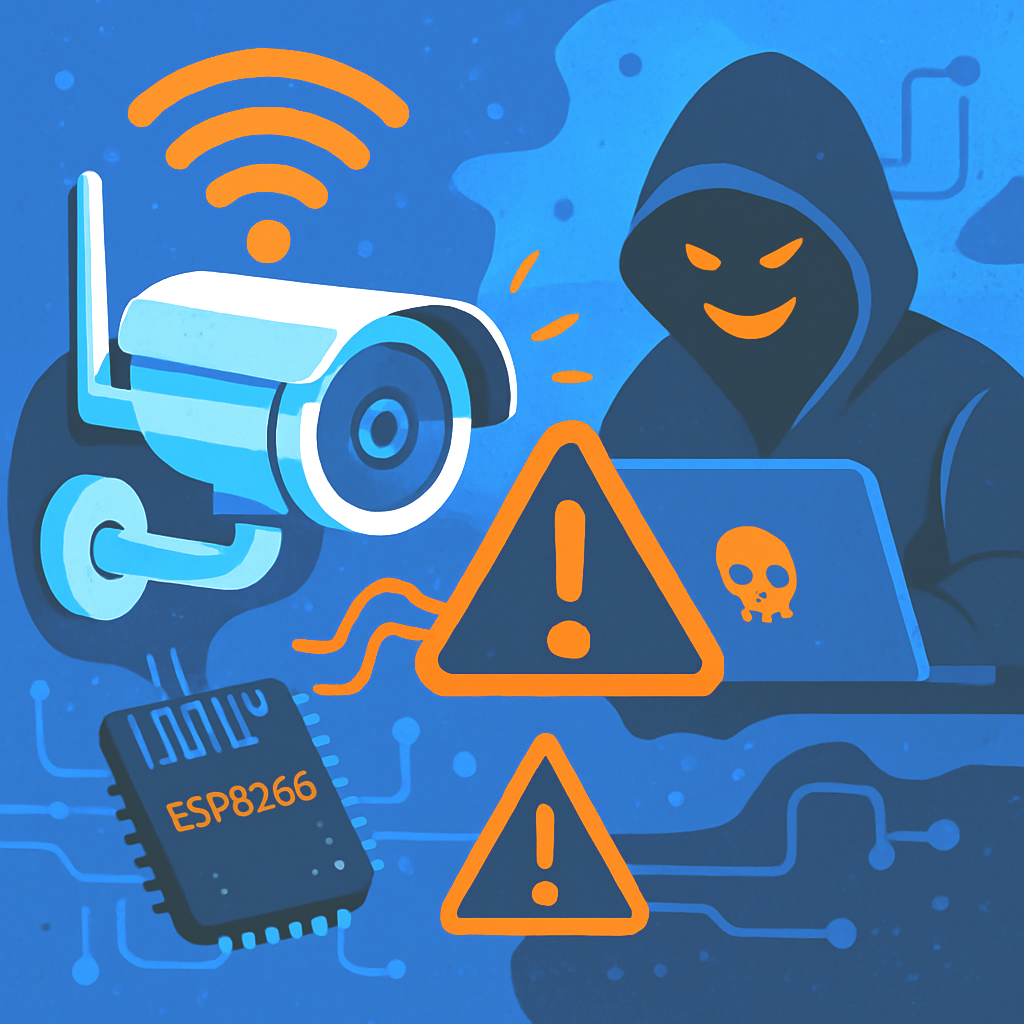
Sure, Wi-Fi cameras are the darling of the smart-home crowd. Pop one on a shelf, connect to the network, and voilà — you’re streaming your living room to your phone in under five minutes. No drilling, no cables, no sweat.
But here’s the problem: that same convenience can turn into a hacker’s dream come true. If your surveillance system is supposed to protect your home, office, or warehouse, a Wi-Fi camera can become less of a security tool and more of a security risk.
Let’s break down why these cameras are basically the Achilles’ heel of many modern setups — and why going old-school with Ethernet might actually save the day.
The Deauth Attack: $5 and You’re Offline
Here’s a dirty little Wi-Fi secret: management frames — those “housekeeping” packets that tell devices to connect or disconnect — aren’t encrypted. At all.
Translation: some kid with a $5 ESP8266 microcontroller and open-source firmware called Wi-Fi Deauther can boot your cameras off the network faster than you can say “intrusion alert.”
The process is hilariously simple:
- Scan for the network name.
- Blast deauthentication packets that pretend to come from your router.
- Watch as every camera obediently drops its connection.
Your surveillance system just went blind. Recordings stop. Motion alerts don’t arrive. And if someone is trying to get in — well, they just got a hacker-sponsored VIP pass.
Other Ways Your Cameras Betray You
Deauth attacks are just the opening act. Wi-Fi cameras have plenty of other ways to fail you:
- Passwords? What passwords? Many owners never change the default “admin/admin.” Some cheap cameras don’t even bother with authentication — join the Wi-Fi and you’re in.
- Open RTSP streams. With some budget models, the live video feed is wide open if you know the right URL.
- Lazy firmware updates. Camera vendors often treat patching like a hobby — and customers rarely install updates anyway.
- Cloud roulette. Many cameras send data to servers halfway across the planet. Convenient? Sure. Private? Not so much.
- Network exposure. A compromised camera can be a backdoor into everything else on your network — laptops, NAS, even your smart coffee machine.
This isn’t just theoretical paranoia. Security researchers (and black-hat hackers) regularly find glaring flaws that let them:
- Remotely execute code with no login required.
- Turn cameras off, tweak settings, or spy on you.
- Recruit cameras into botnets that launch DDoS attacks.
Budget gear is the worst offender. Sometimes a serial number or MAC address is all it takes to pull the video feed. In other cases, attackers have shown they can identify exactly when a house is empty just by watching the unsecured stream.
And even when manufacturers release patches, only the proactive users who actually apply them get protection. Everyone else stays wide open for months or years.
The Risks for Actual Humans
Wi-Fi cameras sound great until you realize they can fail at the one job they were meant to do: keeping an eye on things.
Here’s what’s at stake:
- Interrupted recordings at the worst possible time.
- Lost evidence if an incident occurs.
- False sense of security — thinking you’re protected when your cameras are sitting there disconnected.
- Network breaches — attackers using the camera as a stepping stone.
- Private video leaks — yes, including those embarrassing kitchen dance sessions.
The Problem with Radio Waves
Unlike wired systems, Wi-Fi is broadcasting your security feed into the ether — literally.
Even encrypted networks reveal metadata. Signals can be jammed, spoofed, or cloned. A fake hotspot can trick cameras into connecting, sending your video straight to the attacker. It’s like yelling “Here’s my security footage!” out your window and hoping no one’s listening.
How to Survive If You Insist on Wi-Fi
Sometimes, pulling Ethernet just isn’t an option. If you absolutely must use Wi-Fi cameras, at least do it like a pro:
- Enable WPA3 and management frame protection.
- Put cameras on their own VLAN or guest network.
- Use strong, unique passwords. No, “Password123” doesn’t count.
- Kill WPS. It’s a hacker’s best friend.
- Keep firmware updated — yes, that means logging into the clunky web UI once in a while.
- Don’t expose the camera directly to the internet. Use a VPN for remote access.
- Turn on two-factor authentication.
- Monitor traffic. If your camera suddenly starts talking to servers in another country at 3 a.m., you should probably care.
Why Going Wired Still Rules
If security actually matters, wired PoE cameras are still the gold standard.
They get power and data through a single Ethernet cable, laugh in the face of Wi-Fi jamming, and deliver stable, high-quality streams to an NVR. Local storage means no one’s holding your video hostage in some distant cloud server farm.
Wi-Fi cameras aren’t evil — they’re fine for monitoring your dog while you’re at work or for a casual check-in on the garage.
But for 24/7 security? Forget it. A $5 gadget can take them offline in seconds. In some cases, there isn’t even a password prompt — just connect to the Wi-Fi and start watching.
If you actually care about security, go wired. Use PoE. Store your footage locally. Segment your network. And sleep a little easier knowing your cameras won’t go dark the moment someone with a microcontroller decides to have some fun.
The Usual Suspects
Want to know which cameras are most guilty of this nonsense? Here are a few that security researchers have found wide open or dangerously weak:
- Eken V5 / Eken Doorbell – video streams accessible unless you manually change defaults.
- Aiwit Video Doorbell / Mini Cam – serial-number access and local snooping are possible.
- Tenda CP3 – multiple flaws allowing authentication bypass.
- Wansview Q5 / K3 – early firmware versions left RTSP streams unprotected.
- Yoosee and OEM clones – cheap, cheerful, and often completely open on the local network.
- No-name marketplace specials – web interfaces with blank passwords and unsecured video feeds.