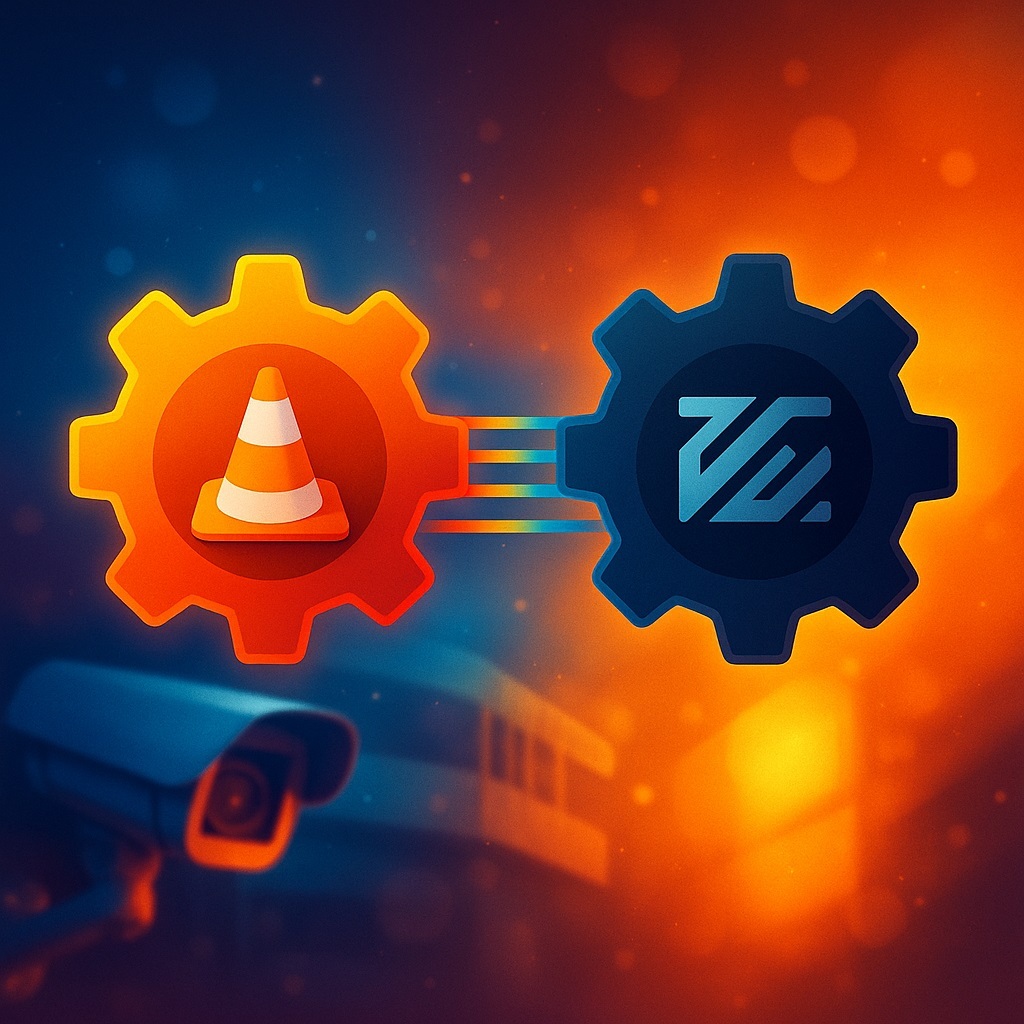
Surveillance engineers have been relying on both VLC and FFmpeg for years. They’re like two tools pulled from the same rugged field case: one built for quick on-site diagnostics, the other for surgical work on broken or misbehaving video streams. Together, they form a kind of audiovisual yin and yang — visibility and precision, clarity and control.
1. Their Philosophies: Watch vs. Repair
VLC was built around a simple idea: play first, figure out the rest later. At its core, it’s a media player designed to show the stream immediately — fast, clearly, with minimal fuss. It’s the go-to companion for engineers who arrive on site, hook into a network, and need to know within seconds: Is the stream alive? Is the camera using the correct profile? Is the bitrate collapsing? Is jitter off the charts?
FFmpeg, on the other hand, works like a backstage engine. It doesn’t “show” anything; it creates, adjusts, heals, and rebuilds streams. It’s not a diagnostic tool — it’s an instrument of transformation. FFmpeg is less about understanding a problem and more about fixing it, molding the video into something usable or stable. While VLC sits on a laptop in a service van, FFmpeg usually lives in a server rack or deep inside an edge device.
2. Working With CCTV Protocols
Both tools handle the full alphabet soup of surveillance streaming: RTSP, RTP, RTMP, HLS, DASH, SRT, multicast — no problem. But the way they use them differs radically.
VLC is perfect for quick connections. You paste an rtsp:// URL, hit play, and instantly get visual confirmation of bitrate, FPS, stability, and codec profile. For fast diagnostics, nothing beats it. The interface is built for visceral clarity — plug in, observe, act.
FFmpeg enters the picture when the mission is not to watch the stream, but to reshape it. Turning RTSP into RTMP? Stabilizing a shaky RTP feed by converting it into HLS? Re-encoding HEVC to H.264 to appease an ancient VMS? Lowering resolution for mobile clients? This is FFmpeg’s natural habitat. It is not a viewer — it is a transformer.
3. Video Analysis: Field Tool vs. Laboratory Instrument
From an analysis standpoint, VLC is the ultimate field instrument. It displays bitrate, real FPS, codec profile, H.264/H.265 levels, frame types, packet loss, jitter — a quick, real-time X-ray of the stream’s health.
FFmpeg digs deeper, but not in real time. Through ffprobe, it exposes the entire anatomy of a stream: GOP structure, SPS/PPS details, keyframe intervals, timestamps, NAL packet layout, and thick, forensic-grade technical reports suited for audits and expert analysis.
The split is clean:
- VLC shows what’s happening right now.
- FFmpeg shows how the stream is built under the hood.
4. Unstable Networks and Broken Streams
VLC is brutally honest. If a stream is weak, VLC will freeze, artifact, or drop entirely. For an engineer, that honesty is golden — it proves the issue exists.
But VLC won’t fix the stream. It simply reveals the problem.
FFmpeg, meanwhile, behaves like a hardened professional. It can resurrect broken segments, reconnect after interruptions, recover SPS/PPS markers from chaotic RTP dumps, fill in missing frames, resync timestamps, and keep processing streams that VLC would abandon without ceremony.
Use VLC to test quality.
Use FFmpeg to save the stream.
5. Transcoding and Stream Processing
VLC can transcode, but that’s not what it was built for. It’s fine for lightweight conversions — changing containers, lowering resolution, or creating quick test streams.
FFmpeg, by contrast, is a broadcast-grade powerhouse. It offers total control: bitrate shaping, profiles, levels, GOP tuning, CRF settings, filters, scaling, frame-rate changes, denoising, color correction — plus thousands of filter combinations.
When you need the stream modified properly, FFmpeg is the only credible option.
6. Recording and Archive Workflows
Recording streams is one of the messiest corners of CCTV, and the difference between VLC and FFmpeg becomes painfully obvious here.
VLC can record, but its recordings:
- don’t manage file sizes,
- don’t rotate archives,
- don’t organize long-term storage,
- sometimes create broken MP4s,
- and aren’t meant for continuous operation.
It’s fine for small test captures — not for real archives.
FFmpeg, however, can record RTSP/RTMP/SRT streams for hours, days, or weeks. It can segment files by size or time, rotate automatically, write without transcoding, and capture clean, lossless streams. It is a legitimate tool for building temporary archives or processing long-term recordings.
7. Restreaming and Live Distribution
VLC can restream too. It can push RTSP to HTTP, forward streams to multicast or RTP, and change containers mid-flight. But it’s not meant for 24/7 strain and may falter under continuous load.
FFmpeg is a restreaming engine at the broadcast level. It handles:
- RTSP → RTMP
- RTSP → HLS
- RTSP → SRT
- RTMP → HLS
- HLS → DASH
- HEVC → AVC
- AVC → Baseline AVC
Properly configured, it runs indefinitely and reliably. It’s built for server rooms, not field laptops.
8. Codec Support (HEVC, VVC, AV1)
VLC is astonishingly flexible. It plays almost anything — AV1, VVC, experimental MPEG variants — you name it. Its mission is simple: open the stream.
FFmpeg plays in the same sandbox, but adds the ability to command the codec: force profiles, tweak compression, adjust CRF, manipulate GOP, insert filters, and fine-tune buffers.
In short:
- VLC reveals the codec.
- FFmpeg controls the codec.
9. Performance on Weak Hardware
VLC shines on low-powered laptops. It is optimized for hardware decoding and minimal overhead.
FFmpeg demands as much power as the task requires. Transcoding can max out a CPU instantly; heavier filters can chew through a GPU. This is not a flaw — it’s a feature of a tool built for heavy lifting.
Final Takeaway
Imagine a CCTV engineer with two tools.
VLC is the eyes and ears.
FFmpeg is the hands and instruments.
VLC is used to see what’s happening now:
- open the stream instantly,
- visualize real-time parameters,
- detect drops, errors, or low FPS,
- evaluate camera quality,
- perfect for field diagnostics.
FFmpeg is used to do what must be done:
- fix corrupted streams,
- transcode,
- adjust parameters,
- convert protocols,
- record archives,
- build stable restream pipelines,
- analyze GOP structure.
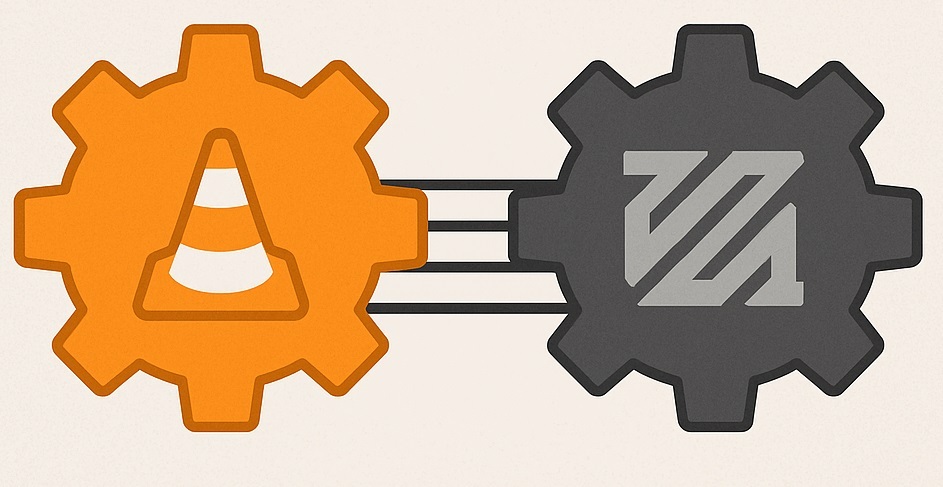
These tools don’t compete — they complete each other.
An engineer with only VLC can observe but not repair.
An engineer with only FFmpeg can repair but not observe in real time.
An engineer with both can do everything.